Hi Hansley,
Thanks for voicing your thoughts here. Keep them coming!
For Paperpile, there is an ever-present tension between (1) building product functionality within Paperpile that wraps around some key technology, versus (2) integrating Paperpile with a vendor or product that uses that technology.
Which approach is best? It depends on the details.
For example, back in ~2012 when we first started Paperpile, one such technology was real-time collaborative writing on the web. We knew this was a transformative & enabling tech, but we also knew we couldn’t build a great product from the ground up ourselves. So we took approach #2, integrating with Google Docs. This has been great – Google offers a full-featured Docs experience for free to anyone who signs up with a Google Account.
As we think about the use case of asking LLMs clarifying questions while reading papers, I see the same tension arise: should Paperpile favor integrating with external products & providers of this technology (ChatGPT, Gemini, etc.) or should we build our own product experience around the lower-level underlying tech?
One revealing signal from our AI survey was that many people have an existing preferred AI chat product, either paying for it themselves or with access through their institution. Many respondents expressed fear that Paperpile might add “yet another” separate AI chatbot, or subscription which they’d have to learn how to use and pay for. And that a Paperpile-only chat assistant wouldn’t likely be as full-featured or as efficient as the major products out there.
I do see your point on the other side: the free tier for many providers is limited (because these models have a high cost to run).
For now, we are investing our early development toward integrating with other AI systems. We think this offers a nice improvement to a workflow that many researchers are already using. Longer-term, we will keep an eye on the landscape and the details of compelling use cases to help make our users’ research lives better; if it makes more sense to build our own product atop a given technology, we may make that change.
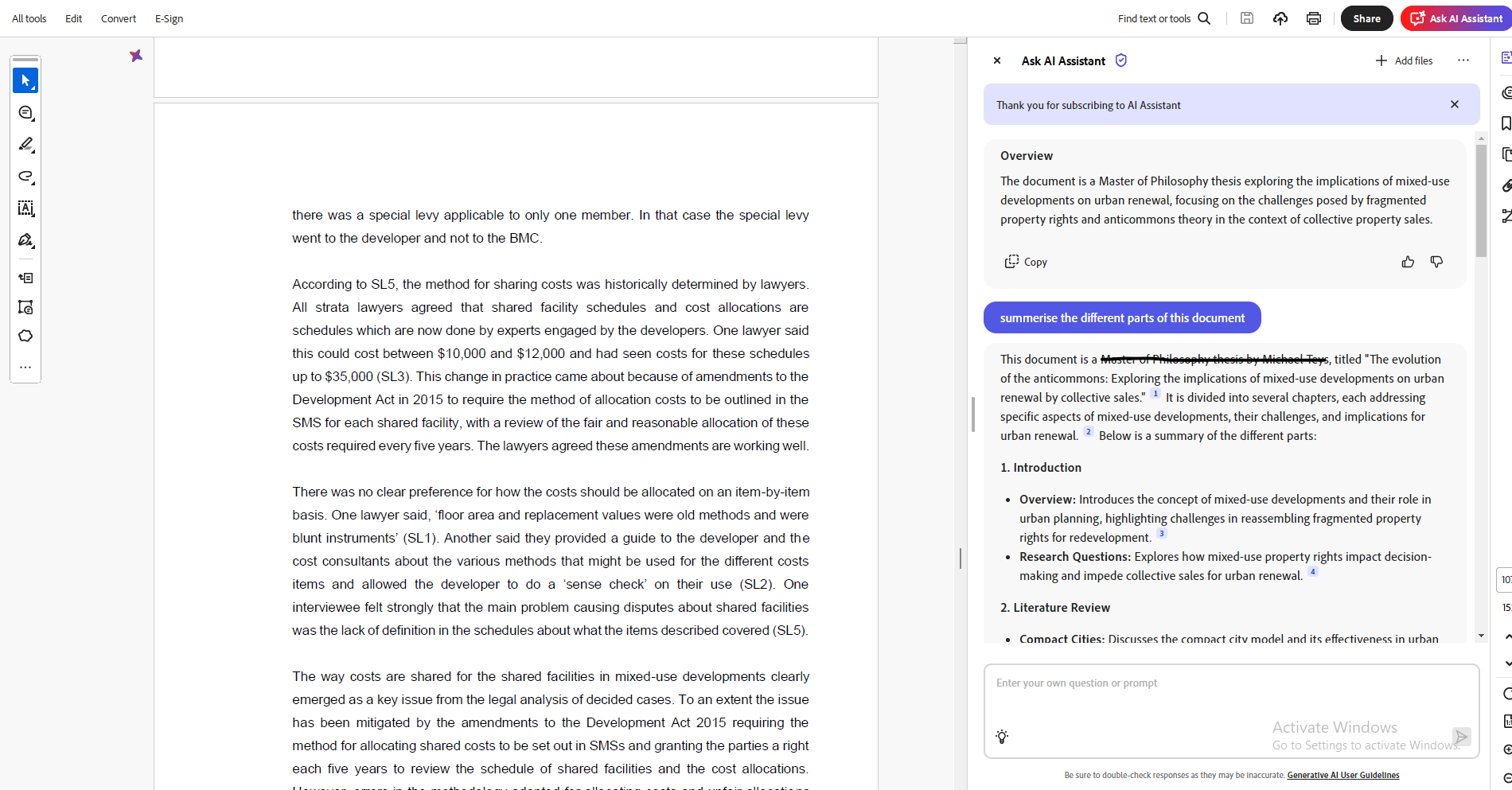
To end with a question for you (or others who come across this thread): we’re still learning about the motivations and concrete examples of how researchers might use a feature like Adobe’s “AI assistant”. If you’d be willing to share why, or how, you use something like Adobe’s AI assistant while reading academic papers, I’d love to hear more.
Thanks,
Greg