I would like to add references from a google document shared with me, which were added to the document by my collaborator (ideally, only those that are not already present in my library - but that is a separate topic!).
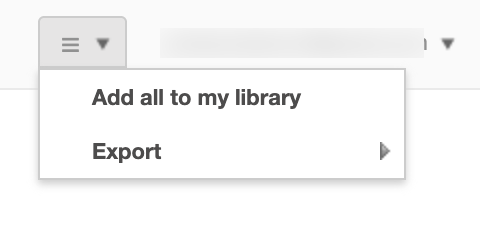
I am able to open the items from the references, and I found the option to add all of them to my library:
If I select that option, I see the message on the top of the screen, but nothing is actually added, the message does not disappear, and there are no errors in the dev console.
Thank you for reporting this issue, @Andrey. Our development team is working on a major Google Docs overhaul that will bring many new features and improvements, including a fix for this issue on the View all references page. We expect to have updates to share by the end of the year.
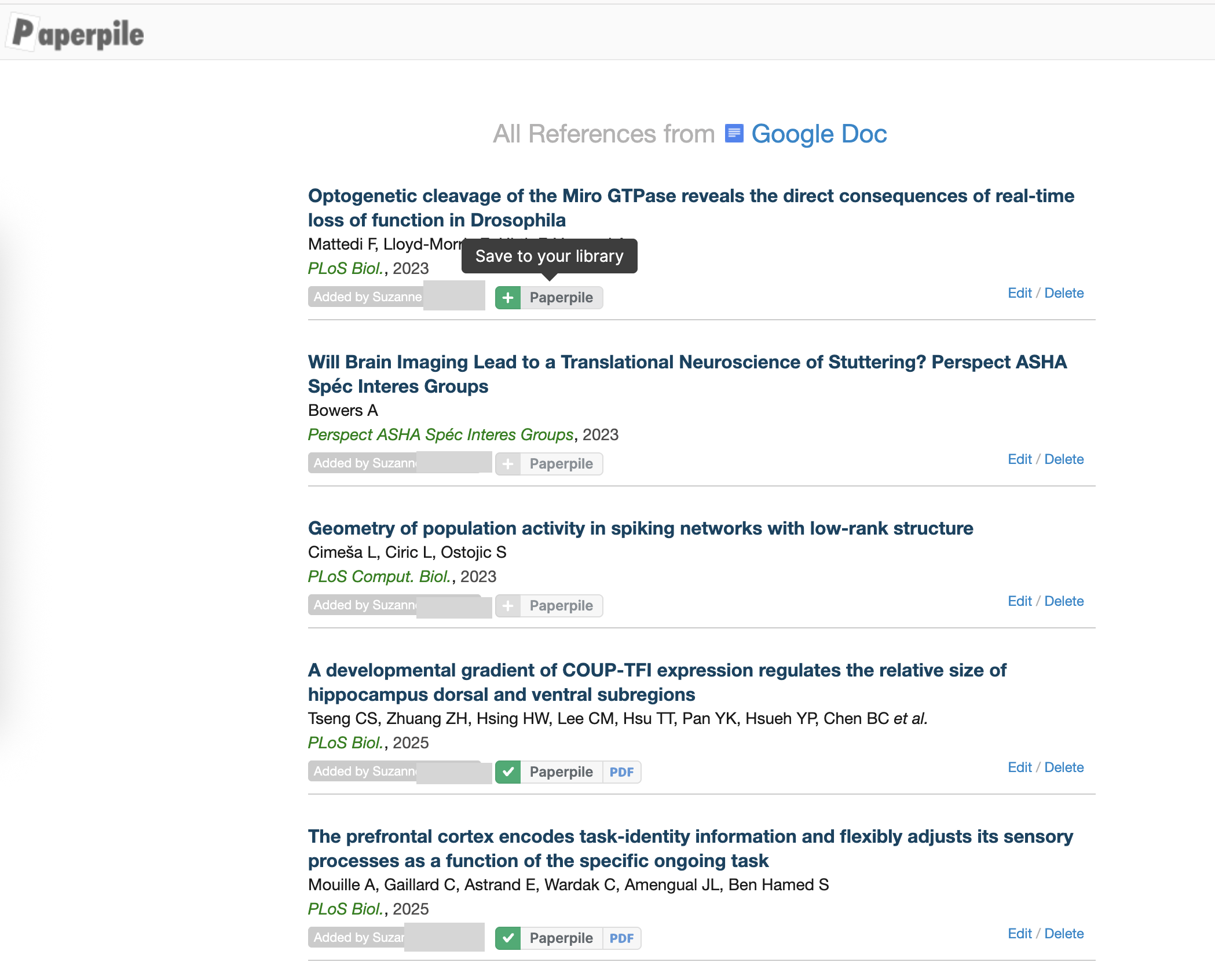
In the meantime, you can still add references to your library by using the Paperpile buttons on the View all references page of the shared Google Document.
Thank you for following up here, @Andrey. It looks like that you may not have the Paperpile extension enabled in your browser. The buttons should appear next to “Added by…” if you have the Paperpile extension enabled:
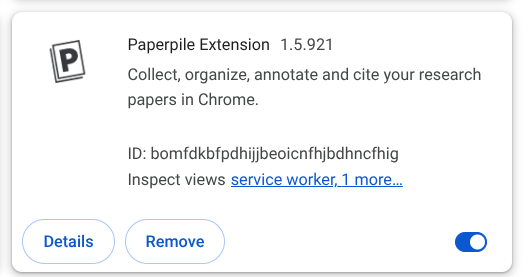
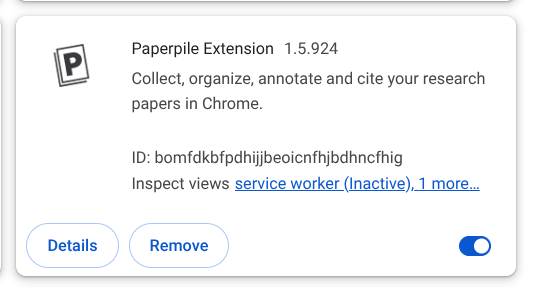
Sorry, I am still struggling with this! I now have the latest extension, I did hard reload and clear cache, I restarted the browser, but still no buttons …
Could you try refreshing the page, waiting a moment, then refreshing again to see if the buttons appear, @Andrey? If the issue continues, please reach out through the in-app messenger or email us at support@paperpile.com so our team can help troubleshoot.