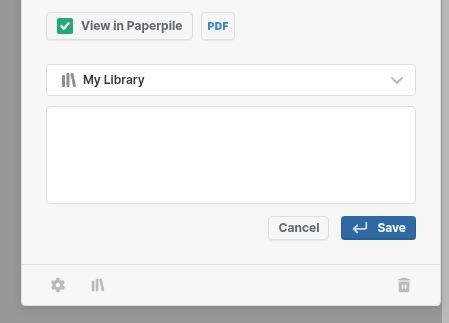
In linux-based Chrome Browser (Ubuntu 22.04), The chrome estension has 2 Bugs:
The full category/folder/label list cannot be scrolled down fully, if you move your mouse to the last item in the list, it would be refresehd to the init state of scroll bar, which is the top of the list, It is annoying as you cannot select the items that is below the several top items.
To select the category/folder/label, you are enabled to input it (function Tap to Search), But when you click it, input disappears, which make input empty, thus not working.
I believe the above 2 problems are caused by the same bug (such as refreshing by accessing the database again)
Thanks for taking the time to share these detailed steps @Jie.Yuan. Our team will investigate the scrolling and input issues you’re seeing and we’ll reach out here if we need anything else to reproduce.
I have the same issue; I cannot type in either the library quick search nor the note when adding a paper through the extension widget (it used to work a while ago).
Our team wasn’t able to reproduce the issue @Jie.Yuan. One possibility is that another extension (like the Google Scholar PDF reader) may be interfering. Could you please try the following and let us know if it helps?
Go to chrome://extensions
Disable all extensions
Re-enable only the Paperpile extension
Reload your Paperpile tab
Thanks for adding your +1 @lucidcalib. Do you have the Google Scholar PDF reader installed? There’s a known conflict where you can’t type in the note box or search for folders/labels in the Paperpile popup. The workaround is to disable the Google Scholar PDF reader extension until we release a fix.
Hi,
thanks for the response, I deactivated all my extensions in chrome (in a windows device), found that it still doesn’t work.
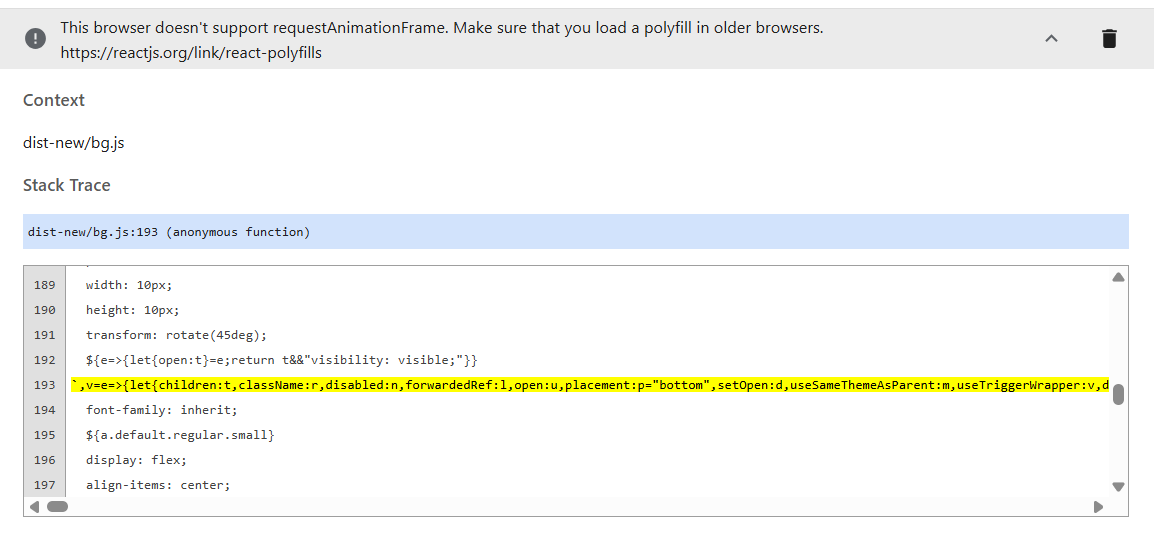
I enabled the error log in chrome, found following log: