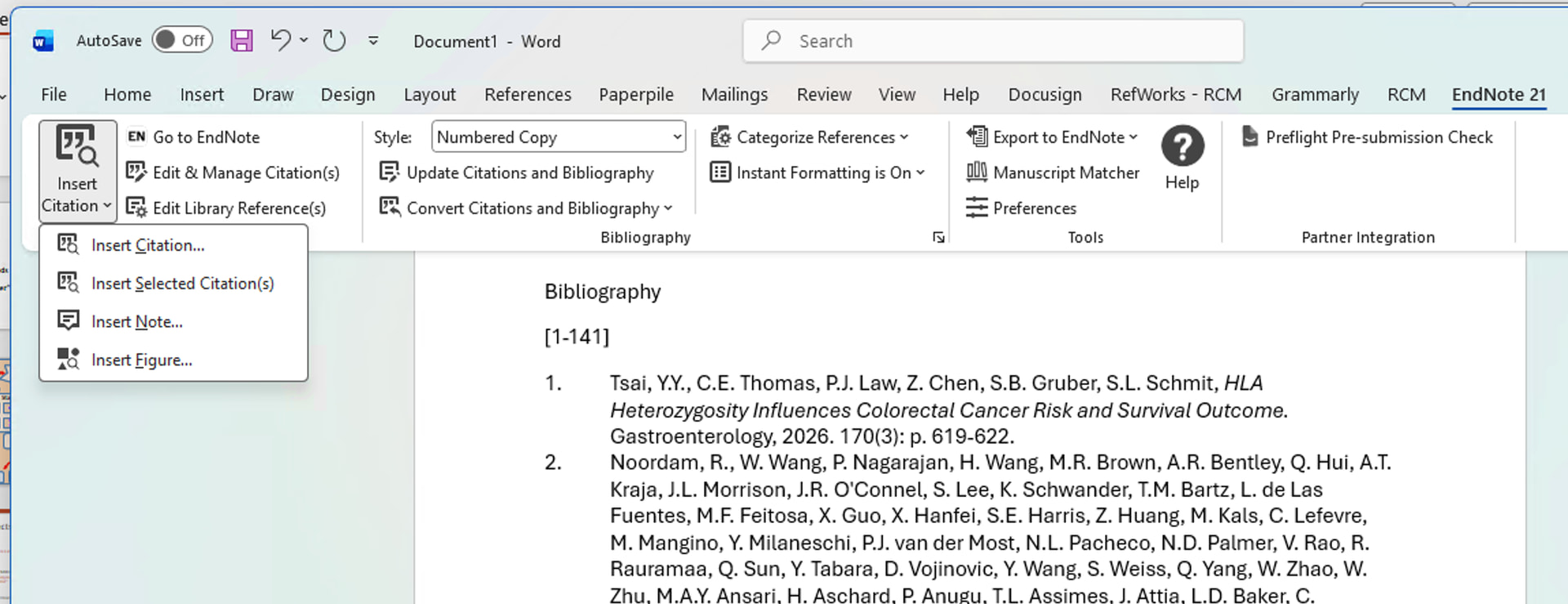
As the administrator on my Project, I’m asked to create a single Word doc or PDF of all our works, as in a bibliography. I was only able to select them and cite them, then paste manually into Word. Then, to number them, I had to reformat by manually deleting the space and pressing enter between each citation. EndNote allows you to “Import selected citations” (an entire folder or Library) into Word and they can be reformatted to any citation style in Word. The Word plugin for Paperpile only allows you to search your library and select the citation, the way you do when writing text, referencing one paper at a time.
This feature is the reason I will probably not be subscribing to Paperpile, although I LOVE the look and ease of the library.
Welcome to our forum, @Nicole_Avila, and thank you for your kind words about Paperpile.
And thanks for letting us know what you did. We understand that being able to create a bibliography without in-text citations is essential for your use case, and we hear you that your current workflow in the Word plugin is a pain point.
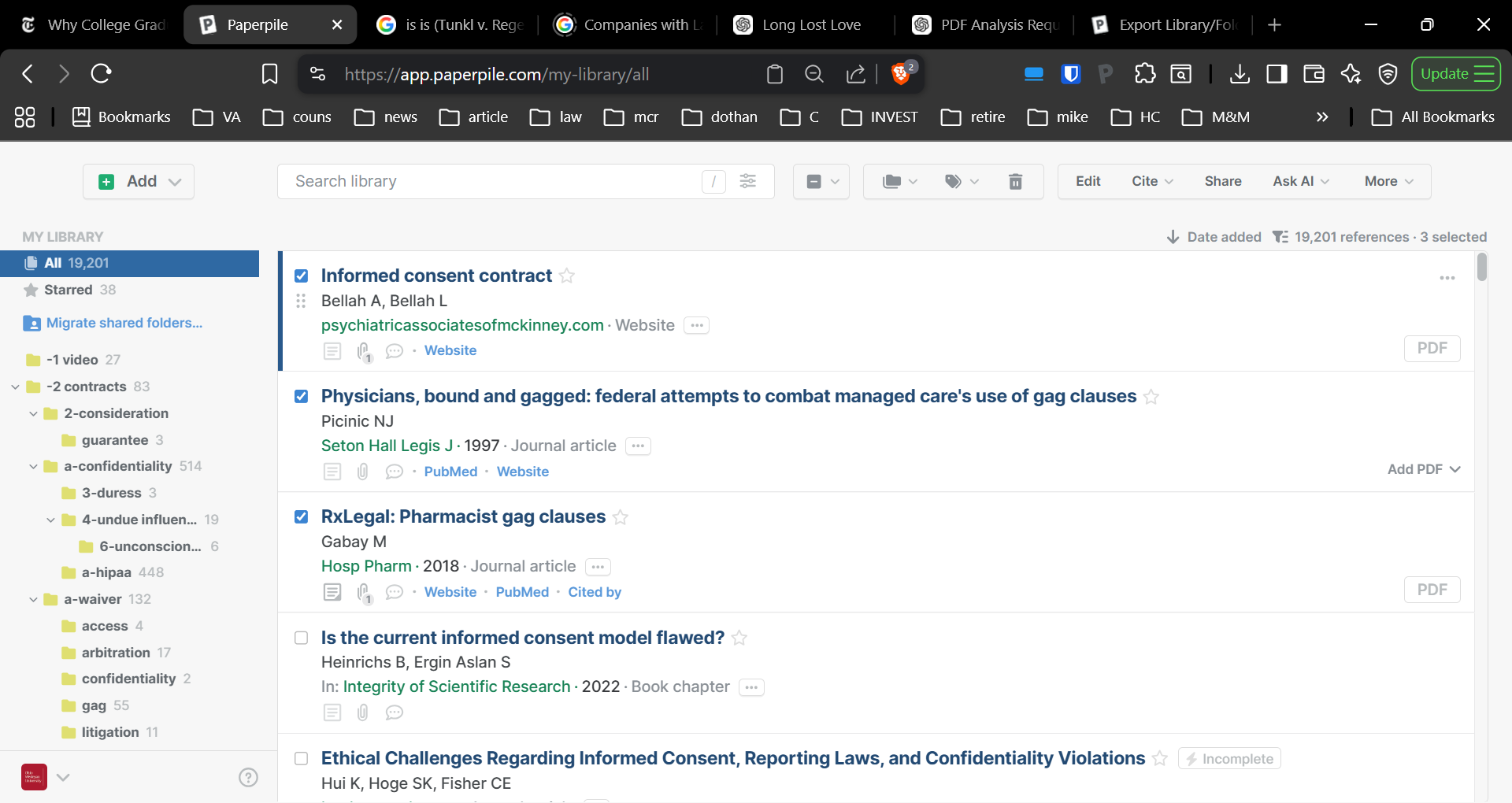
In the meantime, Bruce offered a workaround for creating your bibliography. You can select all the references in a folder by clicking the Select all box in the toolbar:
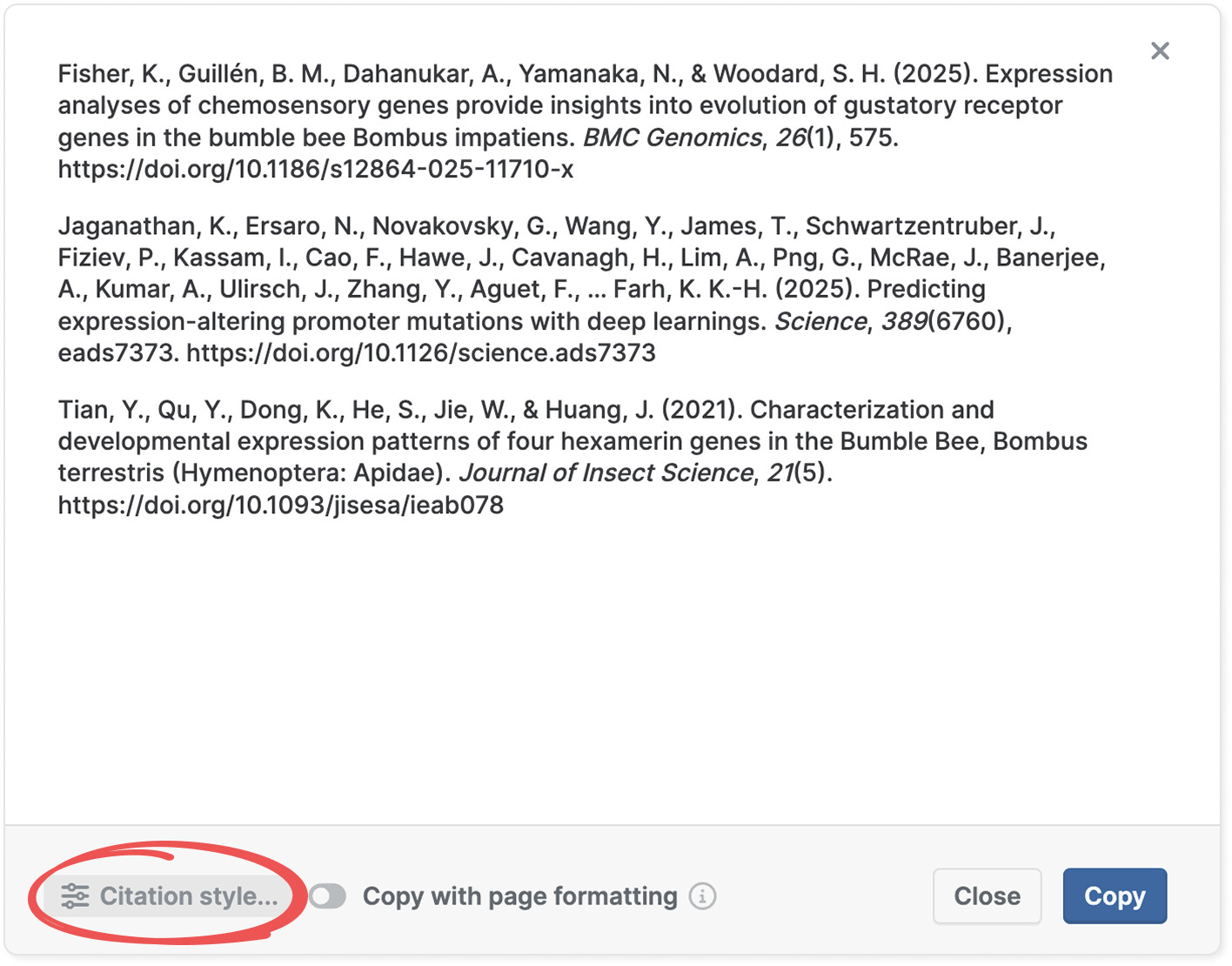
When copying citations from a folder in your library, after clicking Cite > Citation, you can open a citation preview dialog (click View) and change the citation style to a numerical one like Vancouver by clicking Citation style in the bottom left corner:
On the product side, our team is actively working on a new version of the Word plugin that will include the ability to add references to the bibliography without needing individual in-text citations. I can keep you updated on the team’s progress.
As I mentioned in my original request, I actually did what you said (select, cite, paste). My issue is that when I went to number them, Word only numbered the first one, and then I had to go in and backspace then press enter again between each citation manually to get the rest numbered. Basically it’s a formatting conversion nightmare that took a long time with the 126 citations on this project.
What I’m looking for is the Word plugin tool that End Note offers to “Insert Selected Citations” which can be entered/updated to any style (including Numbered Copy).