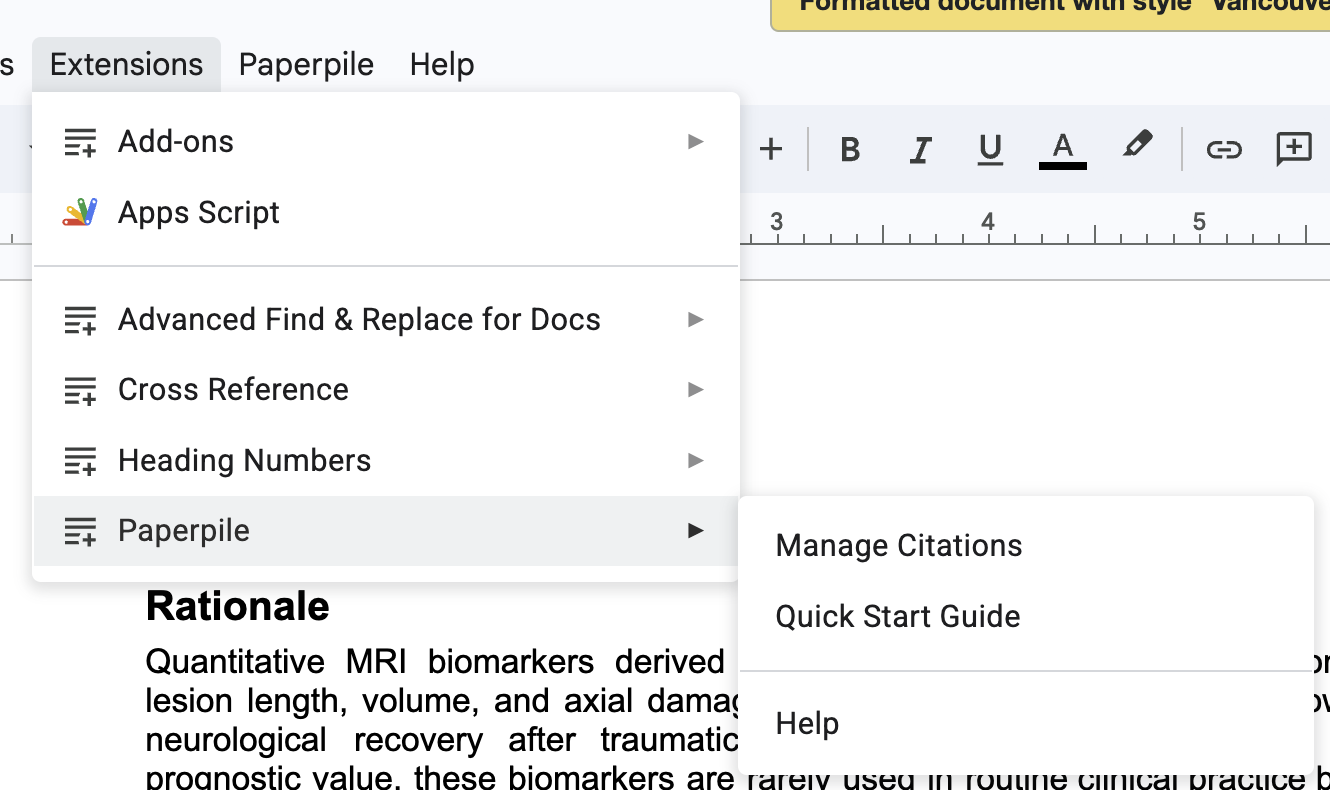
Hello, Google Docs recently added Tabs to organise the documents. Paperpile is having trouble formatting citations with this feature. I tried to recreate the issue, it seems (from my test) that Paperpile will only recognise the first tab and will format it okay, but later tabs won’t format. See here for example - Tab 1 formatted the citations, Tab 2 didn’t
Thanks for the report, @Keirdre. It does seem like the new Tabs feature is not working so well with our extension, so the team is looking into it. Our optional sidebar add-on does appear to work correctly across tabs, so that can be used as a workaround in the meantime.
Thanks for following up on this, @dogancan. I’m happy to say the team is working on a rewrite of our Google Docs plugin. Our new plugin will be able to handle citations and bibliographies in Google Docs tabs. The plan is to provide options for bibliographies within each tab, as well as a single, combined bibliography for the entire tabbed document.
I would very much like the capacity to create a single combined bibliography for the entire tabbed document (as described in Suzanne’s Jan 24 post). Is there a way to do that currently?
Welcome to our forum, @Katherine_Lontok, and thank you for adding your question to this thread. We’re aiming to release the new Google Docs plugin that will work with tabs by the end of the year. The team is making good progress, and we’ll keep you updated along the way.
Currently, you can use the Paperpile Google Docs sidebar add-on to create citations in each tab; this will generate a separate bibliography per tab.
Currently, you can use the Paperpile Google Docs sidebar add-on to create citations in each tab; this will generate a separate bibliography per tab.
~Clicking on the link brings me to the Paperpile Chrome extension, which is already installed and which is facing tab-related issues described in this thread. Searching for “Paperpile google doc sidebar” on the Google Workspace marketplace doesn’t bring anything. Where can we find the paperpile gdoc sidebar add-on?~
Both tools allow you to insert citations and format bibliographies in your documents. The team is currently rewriting the Google Docs plugin with many new features, which will address its current limitation with creating bibliographies in tabbed documents.