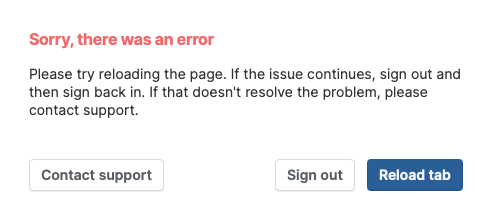
When I have my Paperpile library open in a safari tab and I either 1) Navigate away from Safari or 2) Navigate to a different tab I get an error:
Sorry, there was an error
Please try reloading the page. If the issue continues, sign out and then sign back in. If that doesn’t resolve the problem, please contact support.
The suggested fix of signing out and back in doesn’t resolve the problem.
This is frustrating when trying to copy and paste data from a particular record and I have to continually reload the page.
Thank you for reporting @AllanAnthro and I’m sorry for the frustration caused. The team can’t reproduce the issue you are having. To help them investigate, can you send a screenshot of the console to support@paperpile.com? Immediately after getting the Sorry there was an error modal window in Safari, press Cmd-Option-C to open the console, scroll down to any error messages in red, and take a screenshot.